TUTORIALS
Learn Structure+, one tool at a time.
Short videos from the Structure+3D channel, each with the steps written out for the current version.
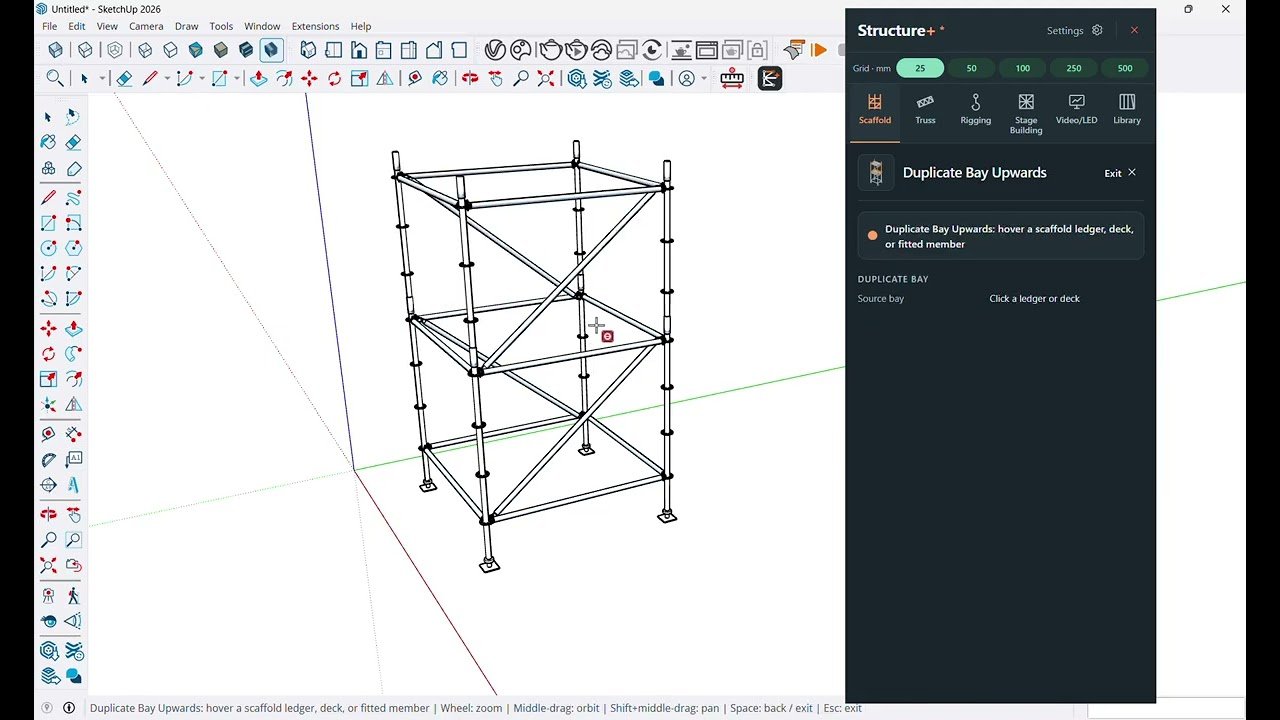
Place standards, run ledgers, then add decks, braces and stairs to build ringlock scaffold in SketchUp with Structure+.
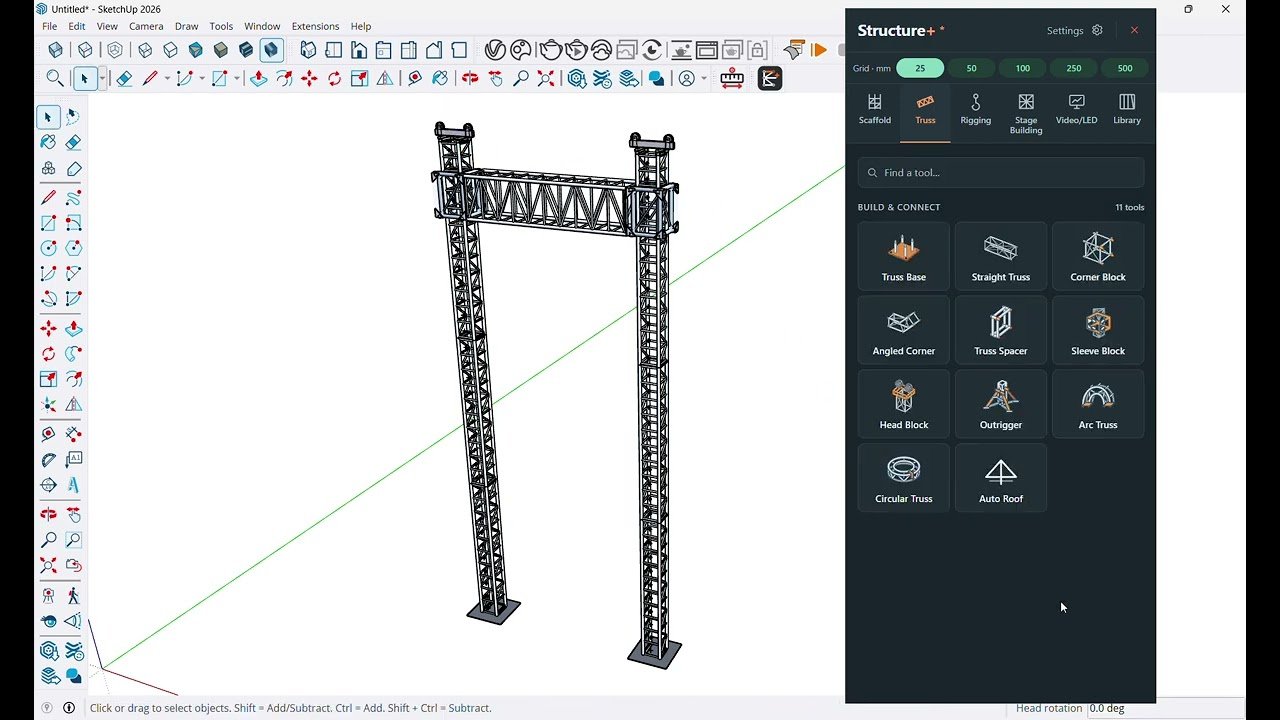
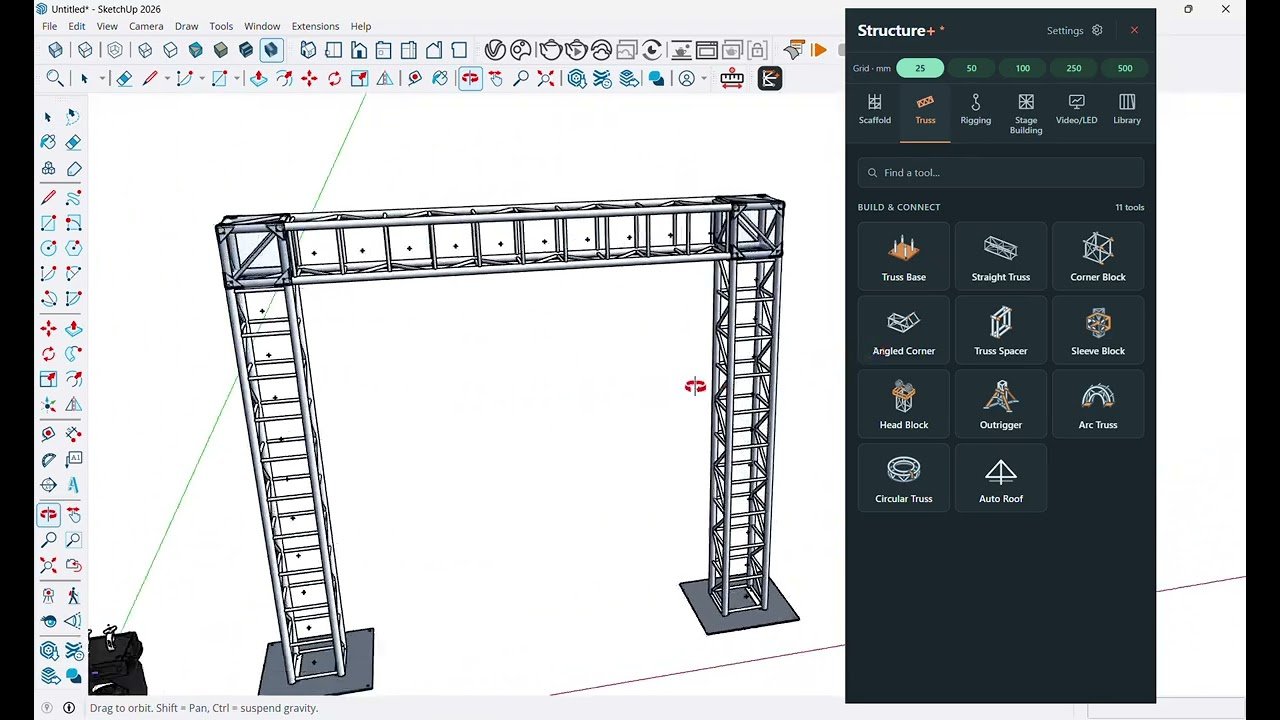
Build a goal post truss in SketchUp with Structure+, from base plates and vertical legs to corner blocks and the span across.
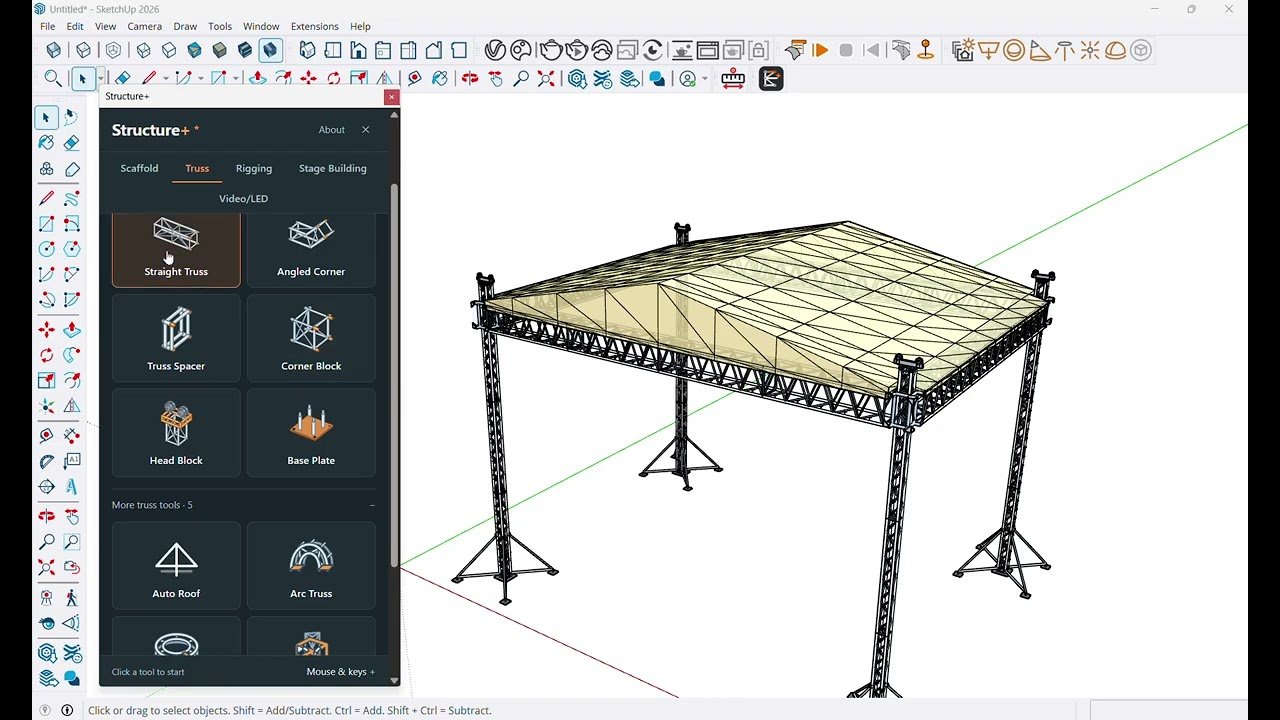
Model a four-tower rooftop truss with sleeve blocks, head blocks, outriggers and an Auto Roof canopy in SketchUp with Structure+.
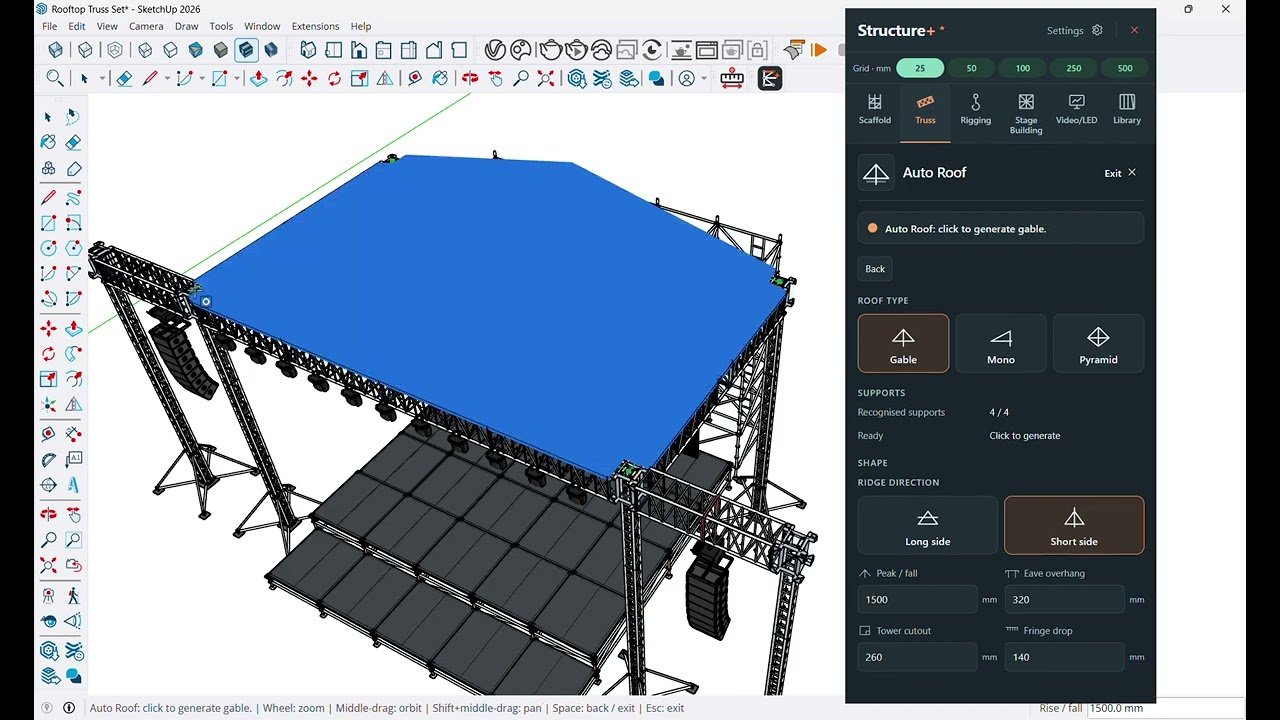
Turn four truss supports into a gable, mono or pyramid stage roof in SketchUp with the Structure+ Auto Roof tool.
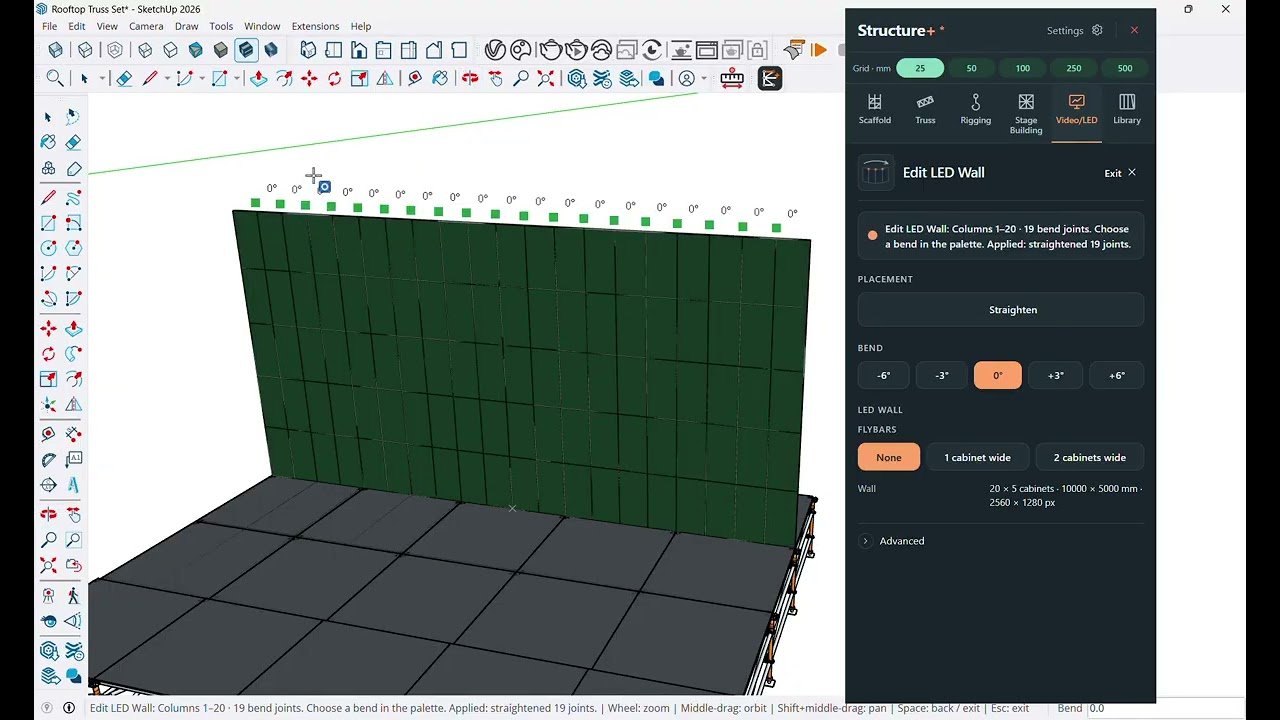
Place an LED wall from real cabinets, curve it at the joints, add flybars and map your content onto it in SketchUp.
Clamp a fixture, hang it on a truss chord with Position Fixture, and save it to the Structure+ Library to reuse in SketchUp.
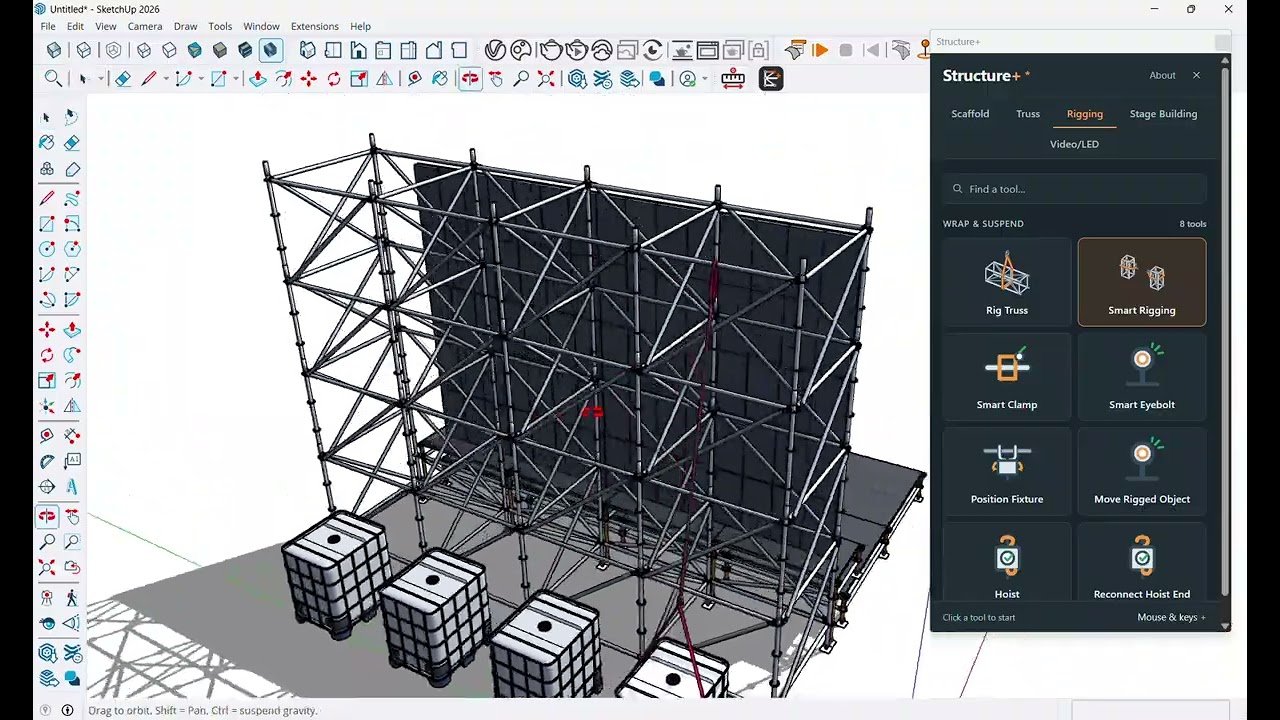
A video tour of Structure+ for SketchUp: ringlock scaffold, truss, Auto Roof, rigging, stage building and LED walls in one extension.


EVERY TOOL IN EVERY PLAN
Try it on
your own project.
Every plan includes every tool. One Windows computer, from RM18.80 a week.